Step 1
Ester Account
Sign in with Discord. No form, no email, nothing to fill in. Your account page shows your status, the PCs you linked and your downloads.
Sign in with Discord →Introducing
An operating system built around the way you actually work. Smooth, fast, quiet, and entirely its own.
Download infinityOSNow in beta. Downloads need a free Ester Account, sign in with Discord.
Get infinityOS
One account covers the download, your PCs and the update channels.
Step 1
Sign in with Discord. No form, no email, nothing to fill in. Your account page shows your status, the PCs you linked and your downloads.
Sign in with Discord →Step 2
Pick a release and get a personal download link. Checksums and signatures are public, so you can verify the image before you boot it.
Download infinityOS →Step 3
Open the Infinity Account app on infinityOS and enter the code it shows on the website. That links the PC to your account and unlocks the update channels you are entitled to.
stableReleases. Open to every account during the beta.beta-publicEarly builds for anyone with an account.beta-closedTesting builds for members with the beta role on Discord.During the beta, downloading infinityOS needs an Ester Account (free). Closed-beta builds also need the beta role in our Discord server; the role is picked up the next time you sign in. We keep no Discord tokens, and a leaked account never disables an installed system: it only loses access to our services.
See it in motion
A closer look at the interface, in real time.
Take a look
A quick tour of the interface. (swipe or use the arrows)
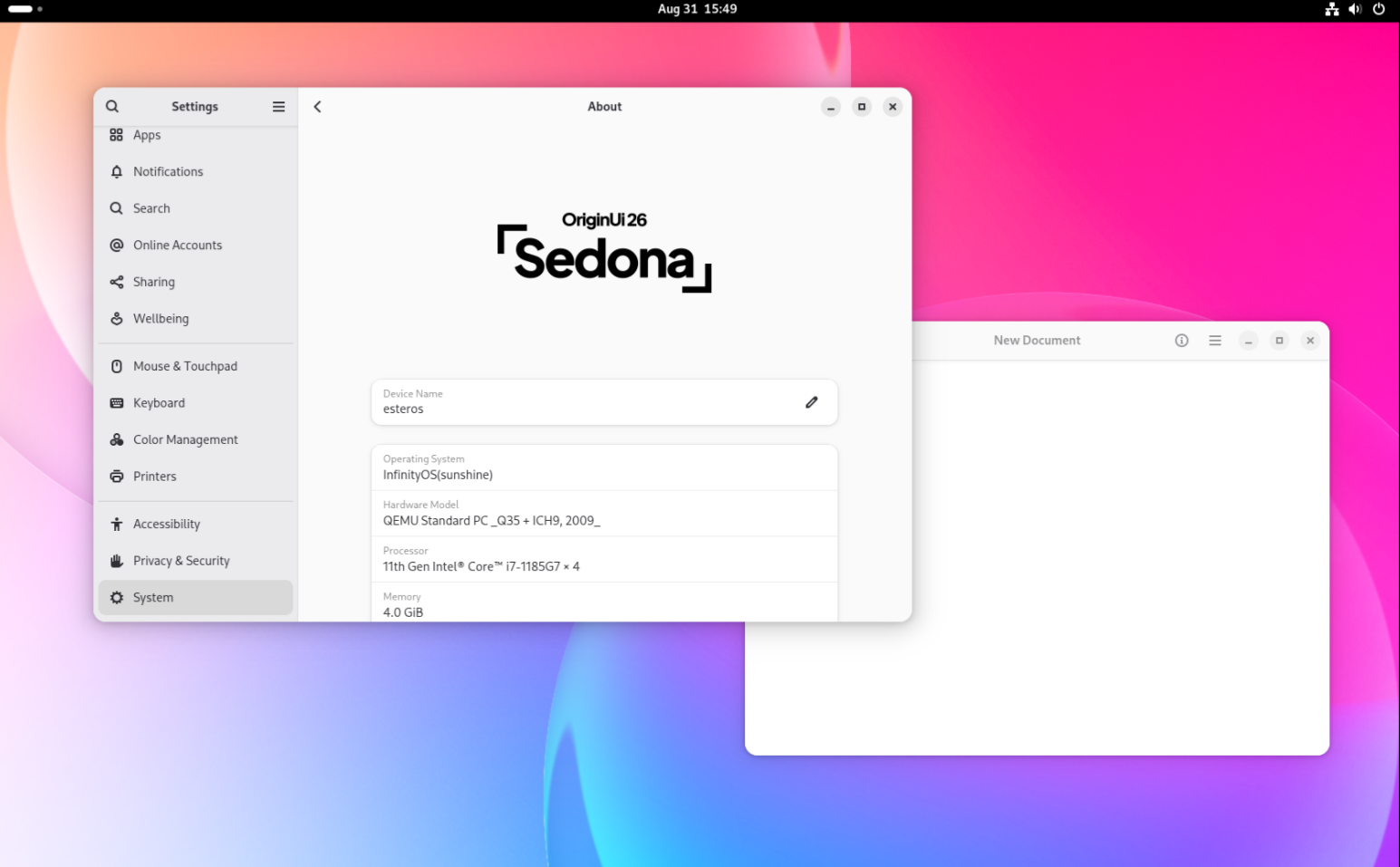 Screenshot 1
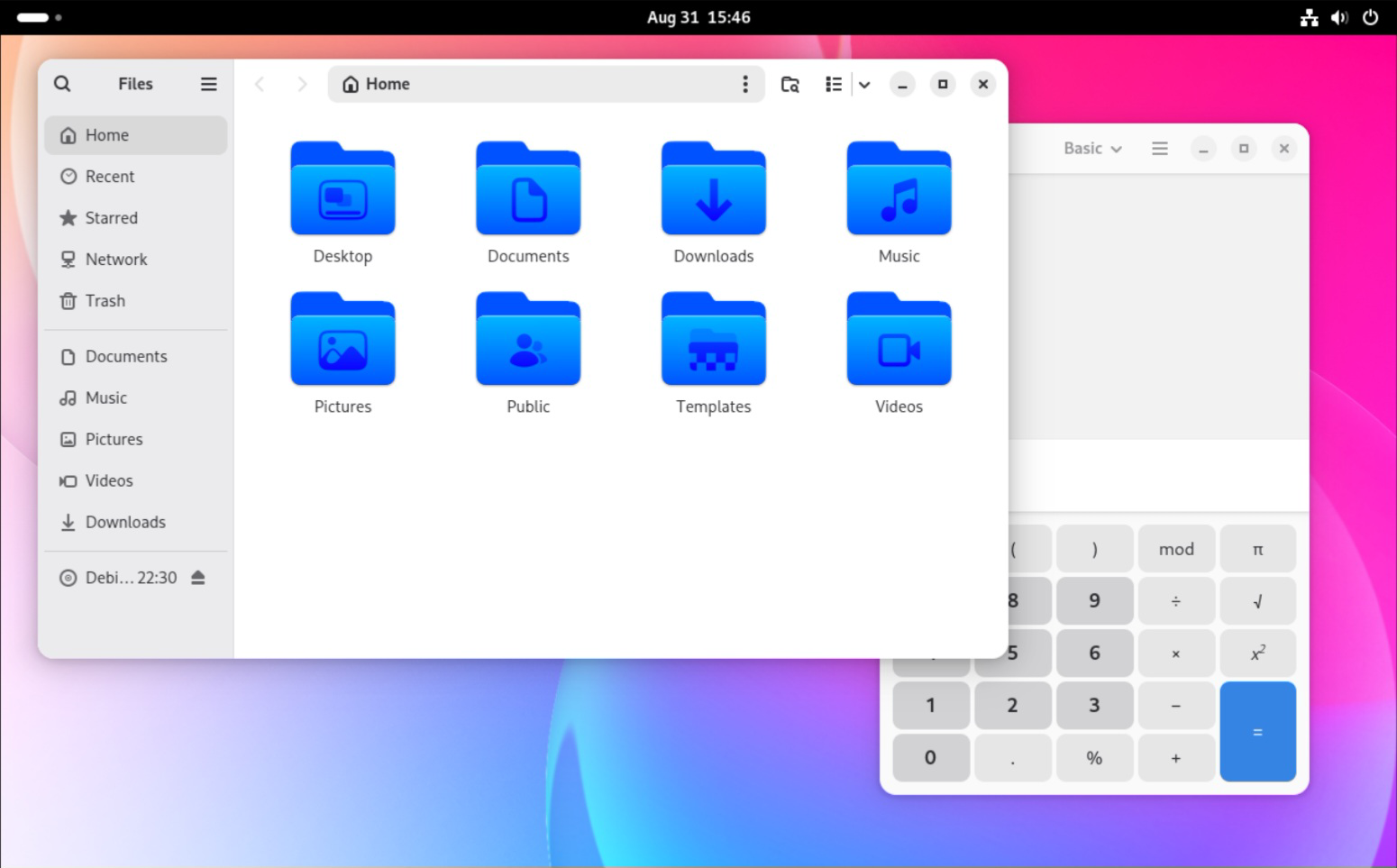 Screenshot 2
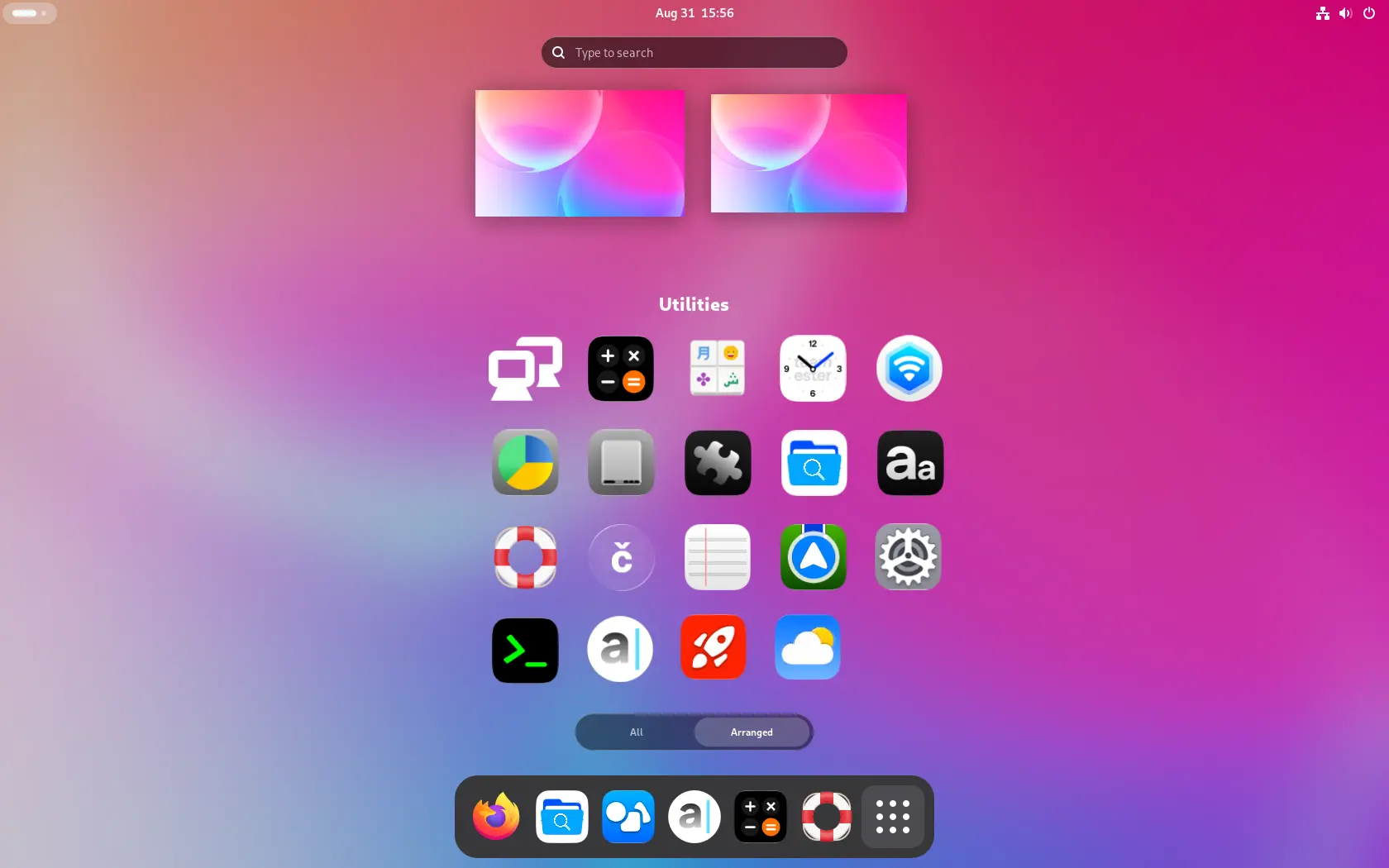 Screenshot 3
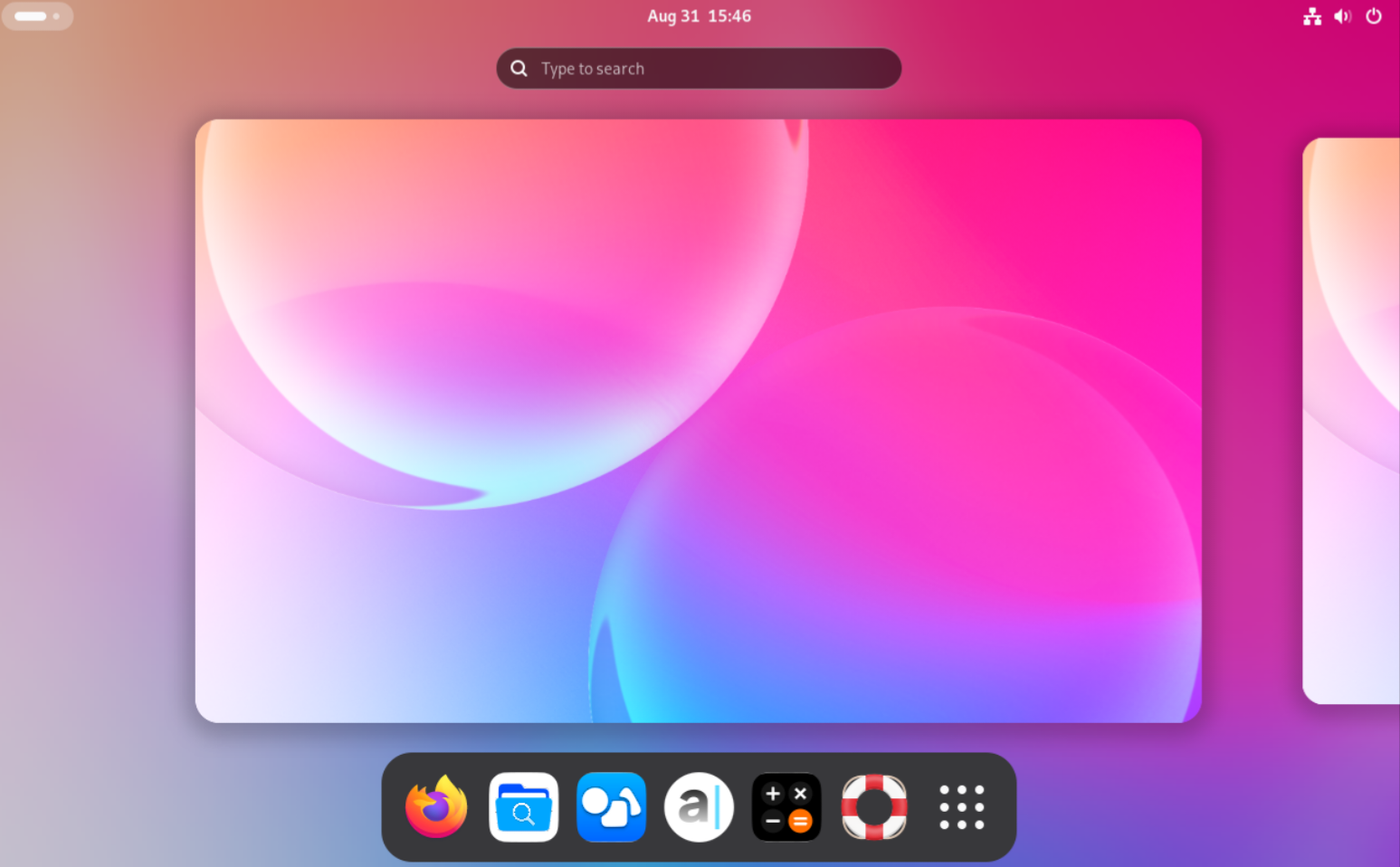 Screenshot 4
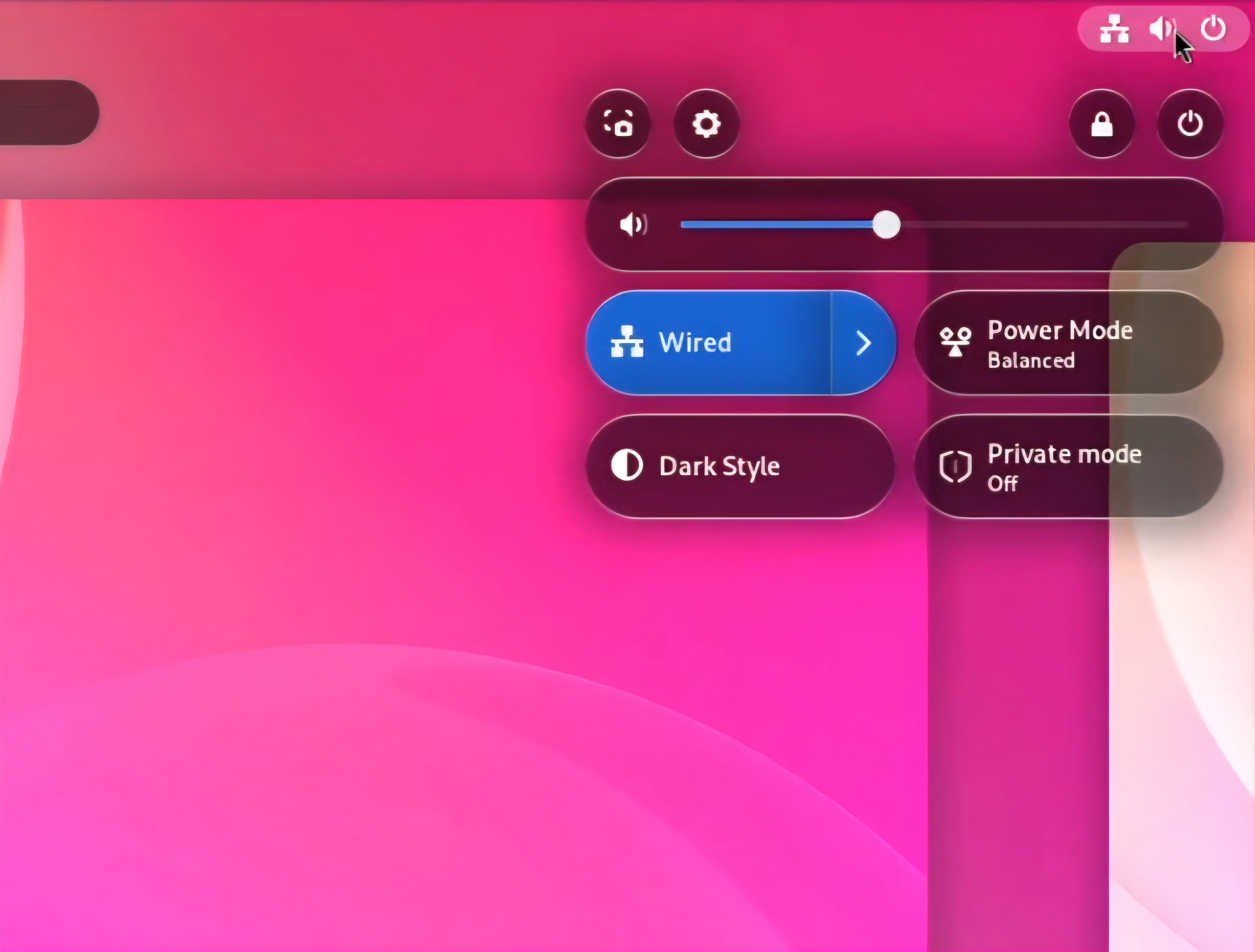 Screenshot 5
Every icon, redesigned
A consistent, hand-tuned set that carries the same personality system-wide.













Made by